inspect.
Write-ups on the things I build, with notes that point like a browser's inspector.
overview.
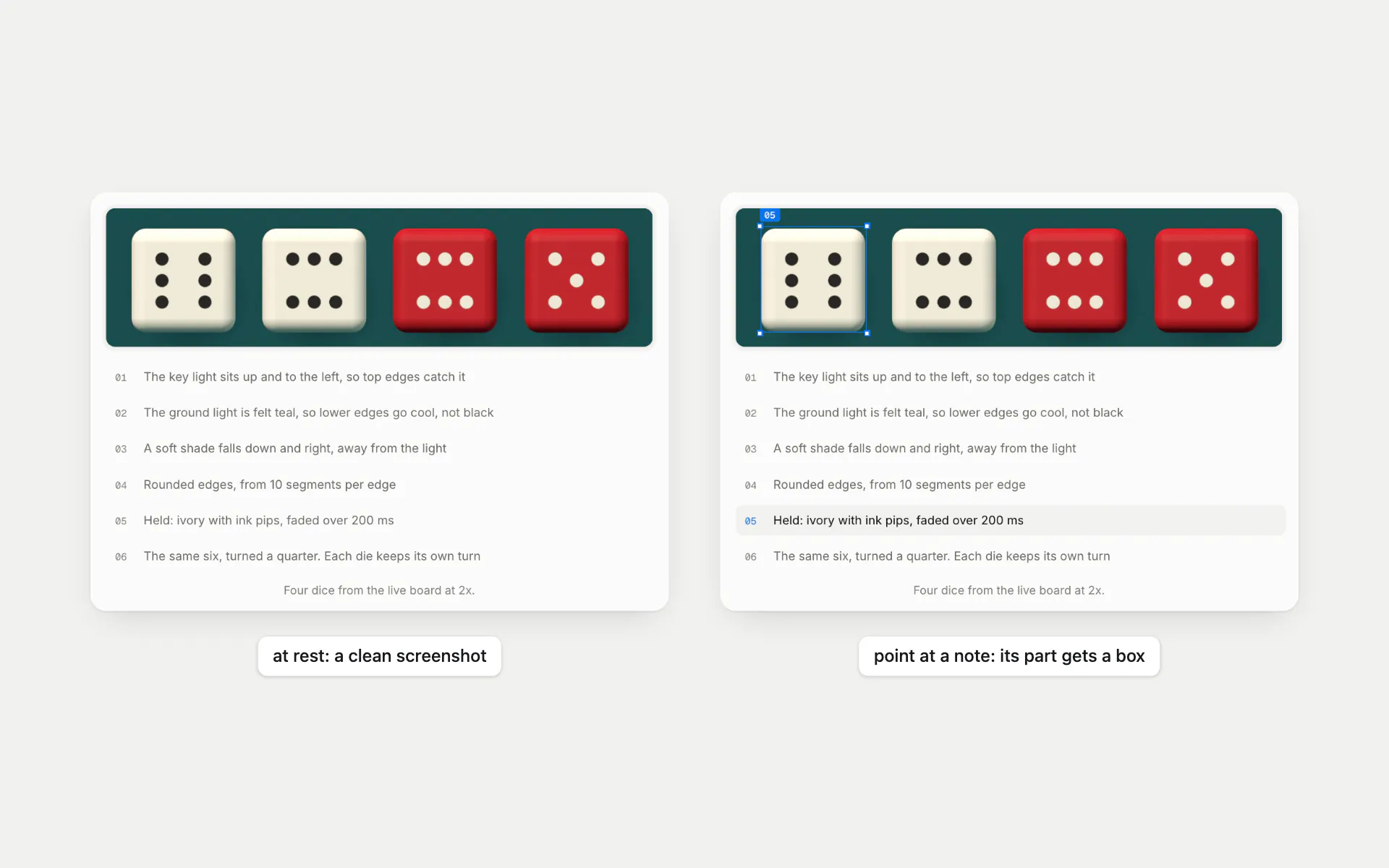
Inspect is where I write up the things I build: why a project changed, what went wrong on the way, and the small details its project page leaves out. Screenshots stay clean until you point at a note, and then that part gets a blue selection box with handles, the way a browser's inspector marks an element. Clips get a timeline, and some figures are the real thing, like a rolling number you can break one rule at a time.
It began as BlogSpace, a feed of placeholder posts with a box to write your own. None of that writing was mine, and I had things to say about my projects, so the rebuild made it a blog of my own. It's static now, one quiet column built with Astro and MDX, and the first post is how it was built.
what you can do.
a closer look.
Notes that point
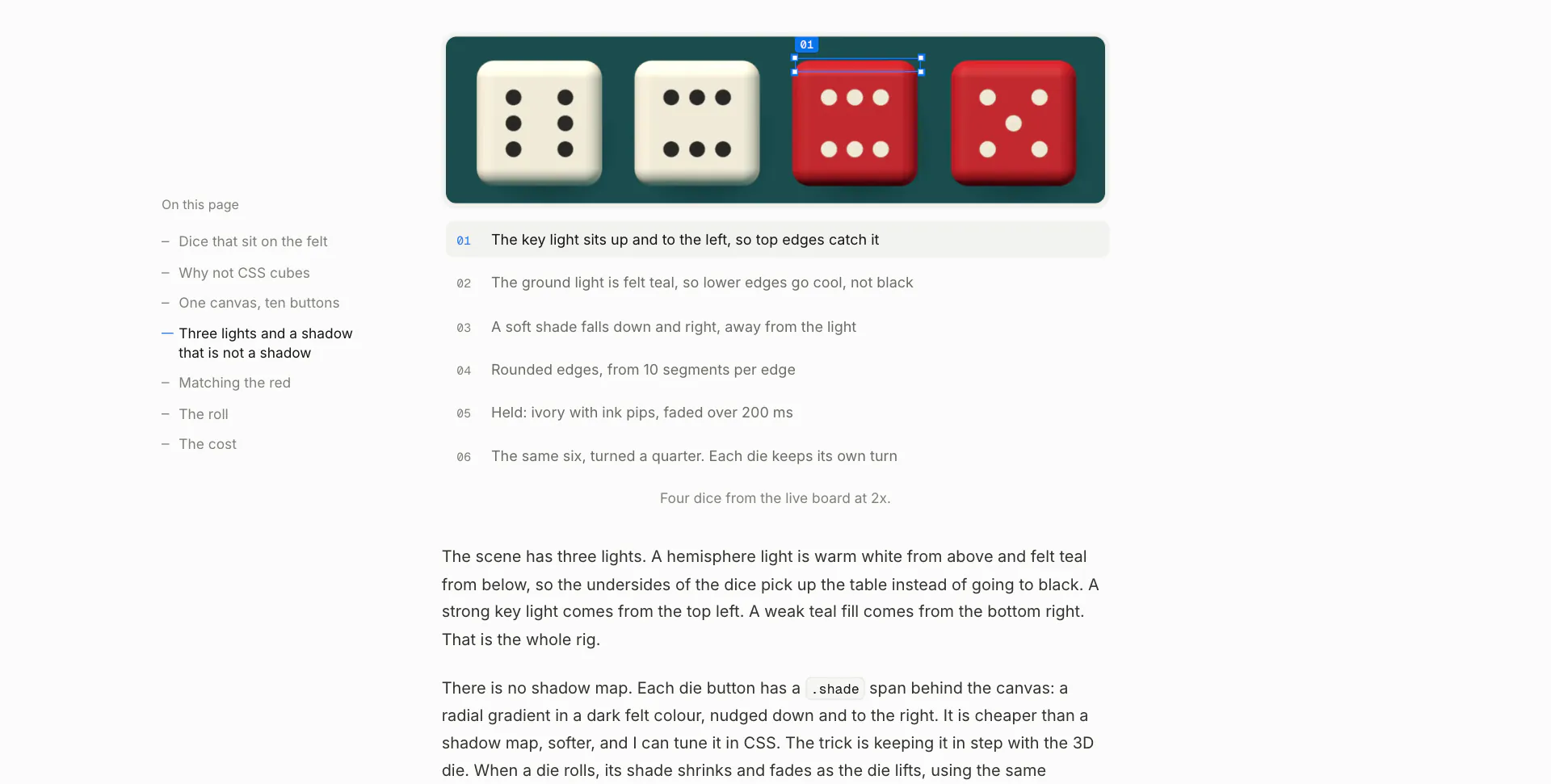
A screenshot covered in arrows is hard to look at, so every figure stays clean until you point at one of its notes. Then that part gets a blue box with handles, the way a browser's inspector marks an element. On a phone you tap a note and it stays.
Boxes that keep up
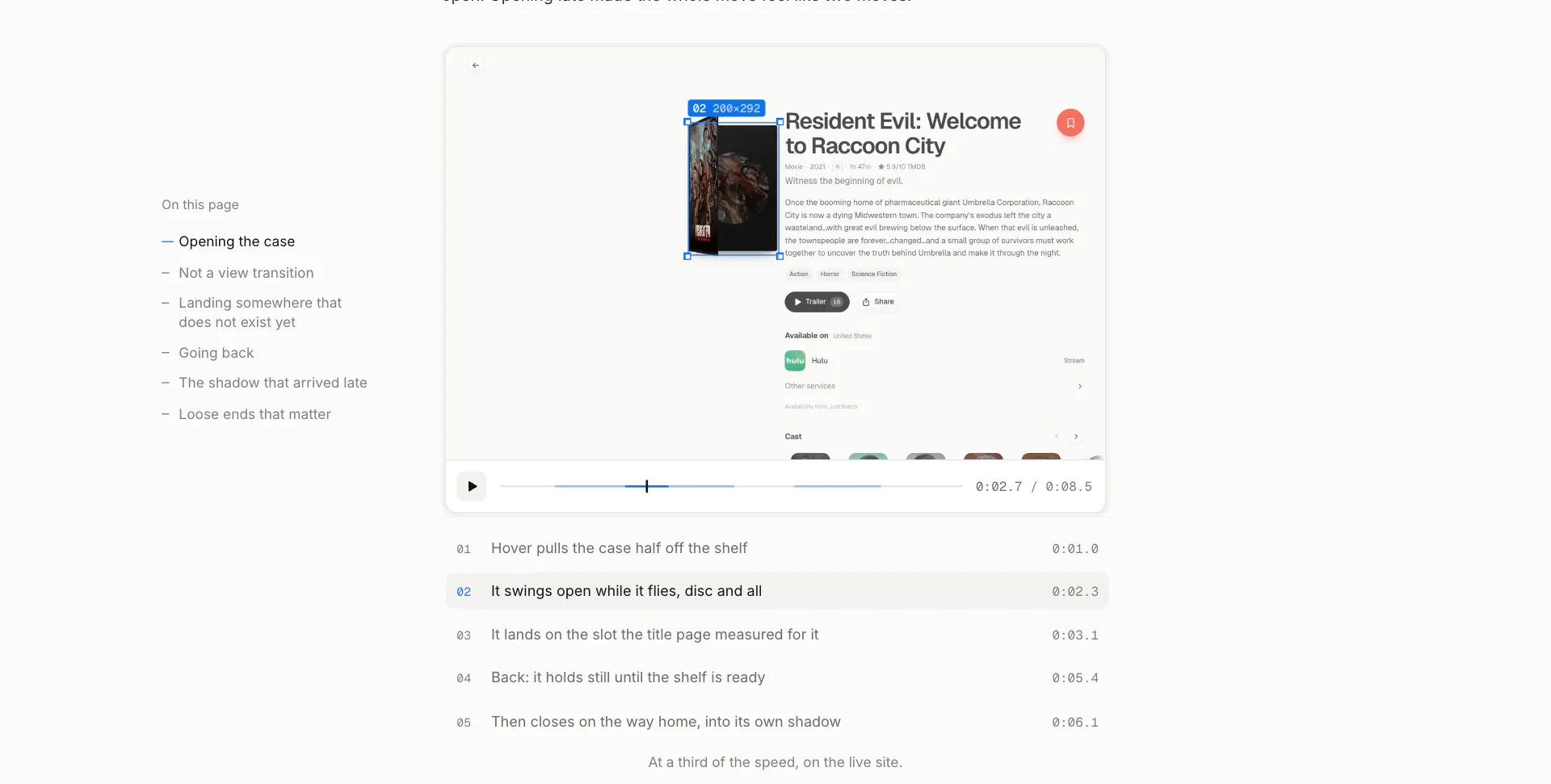
A note on a clip points at something that moves. Each clip carries a track of where its subject is, and the box is placed from the exact frame on screen with requestVideoFrameCallback, so it never trails the video. Here it follows a MovieVault case from the shelf to its page.
Only the title moves
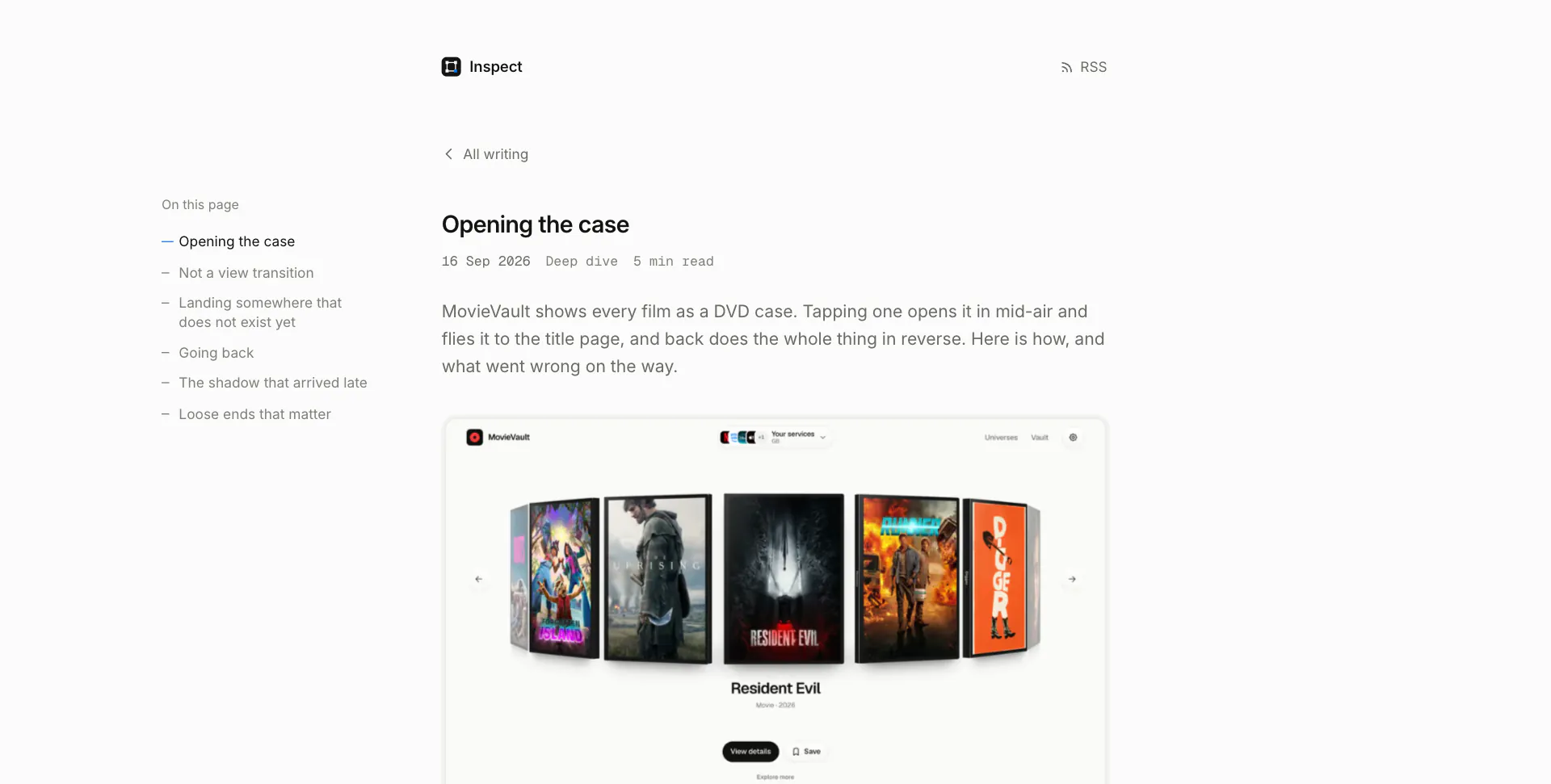
Between pages, only the title travels: it glides from its row into the post and back again, with cross-document view transitions and no client router. Going back restores the list's scroll before the first frame, so the title lands on its own row.
screenshots.
Home
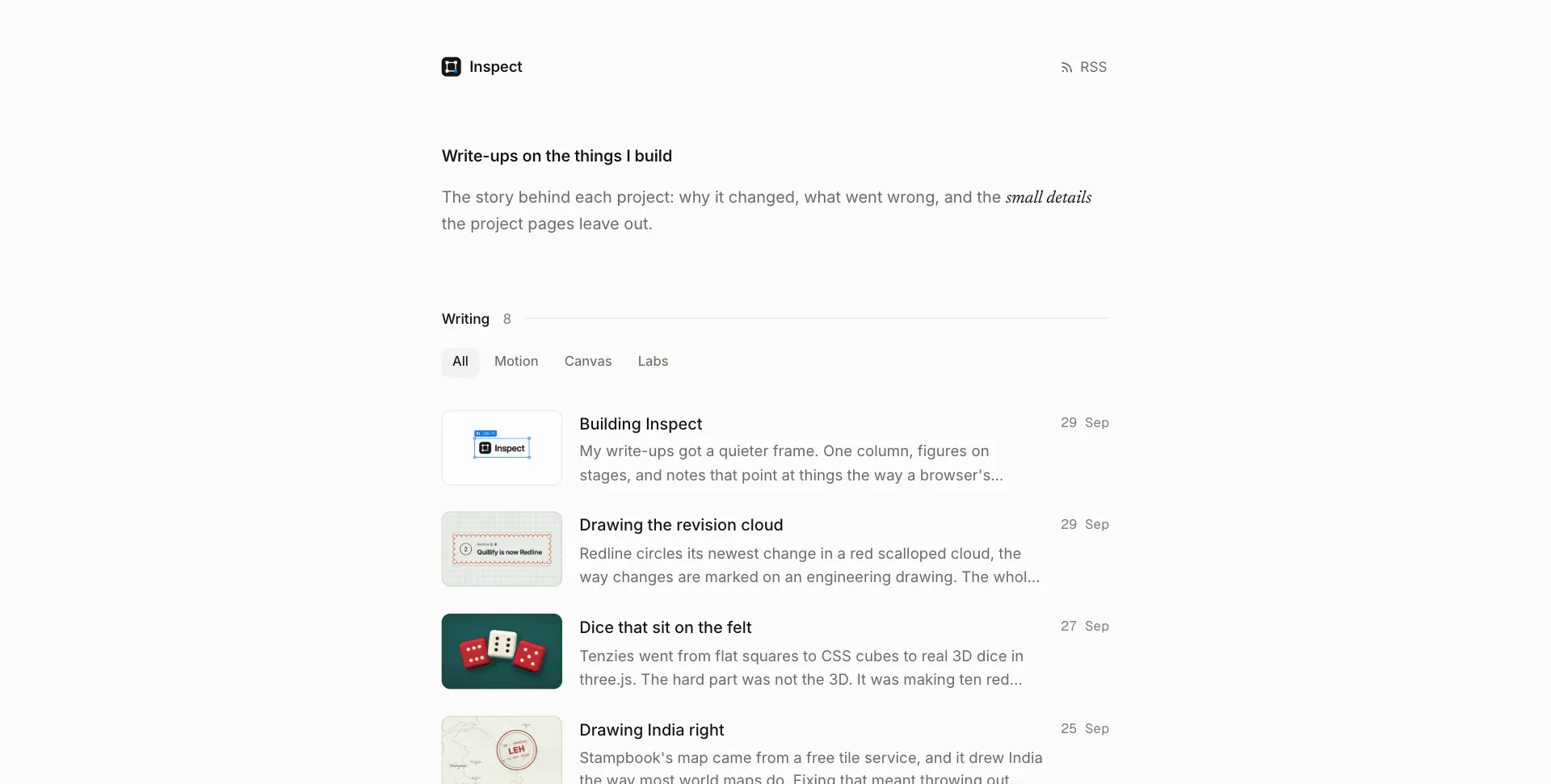
A write-up for every project, and a search once there are enough of them.