pasteup.
Pick a template or your own image, caption it, drag the words into place and send it.
overview.
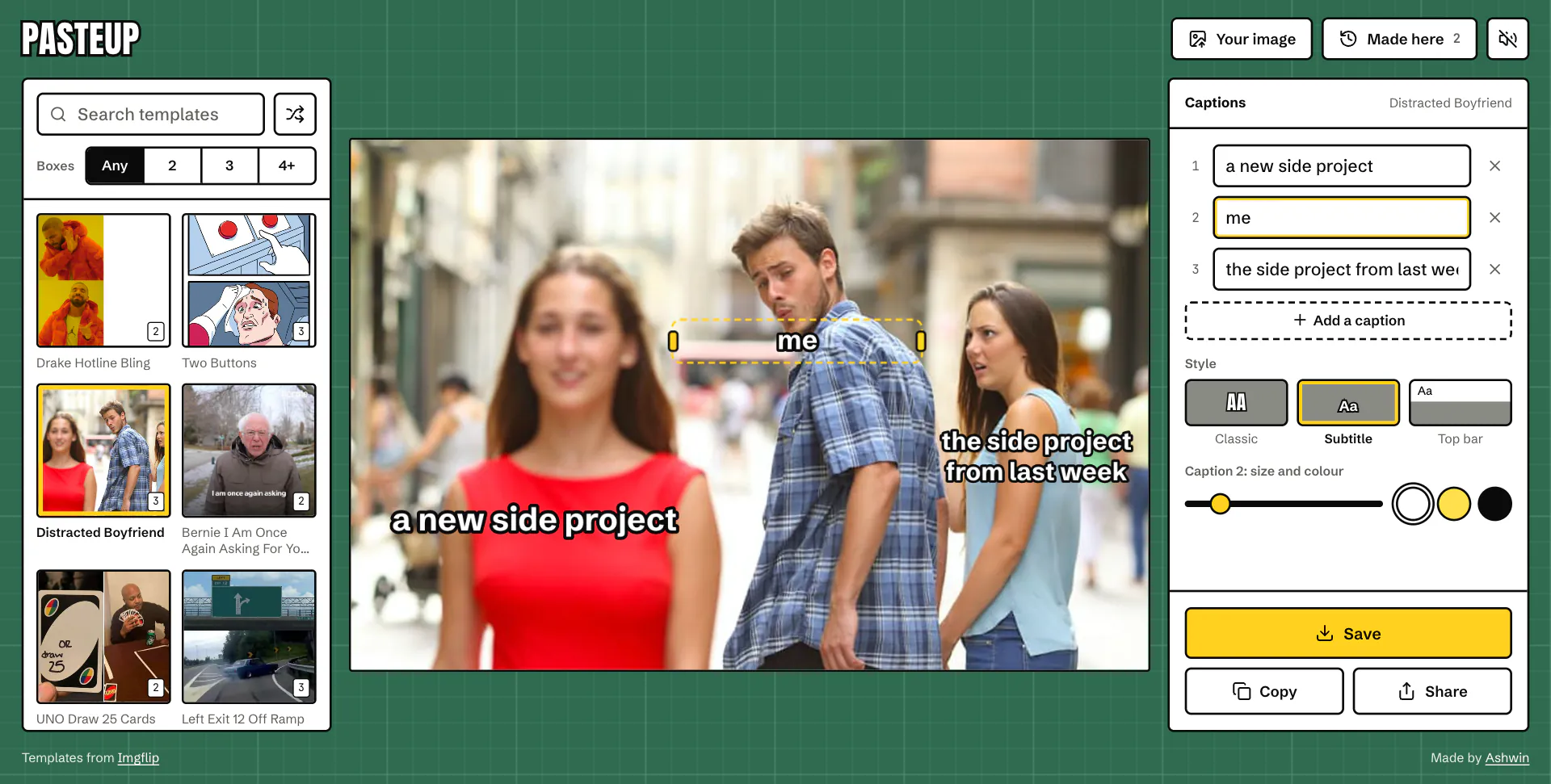
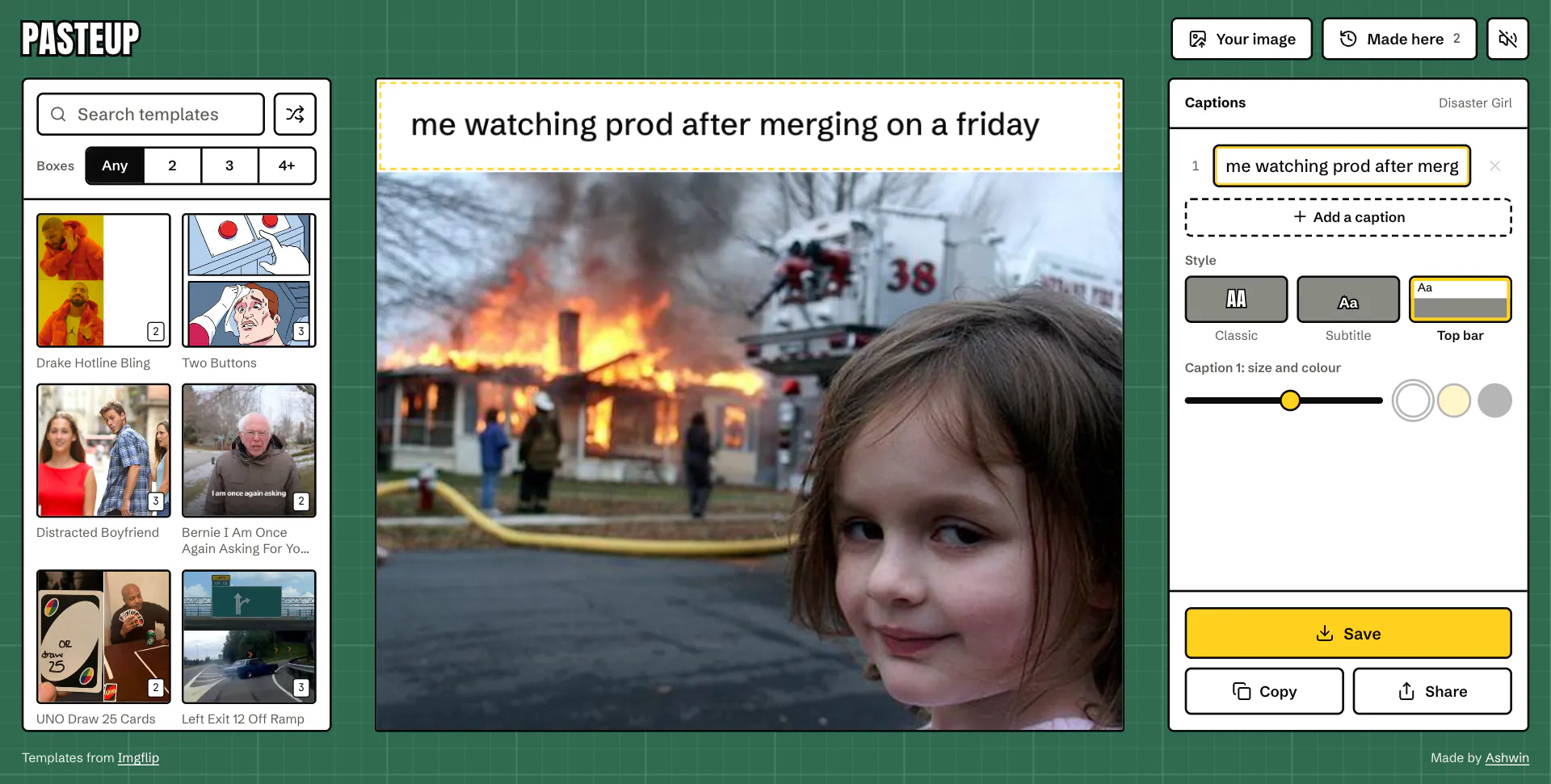
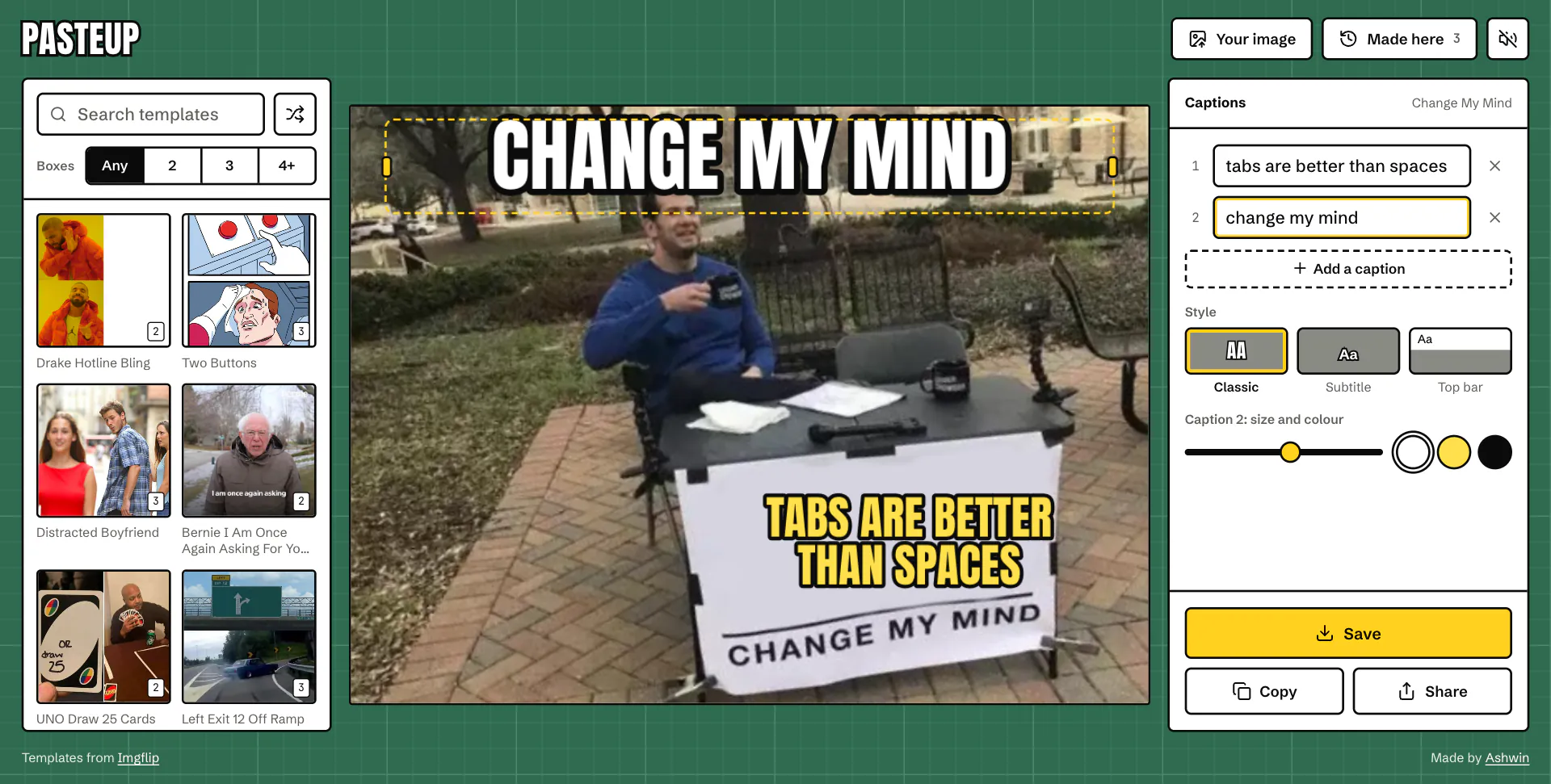
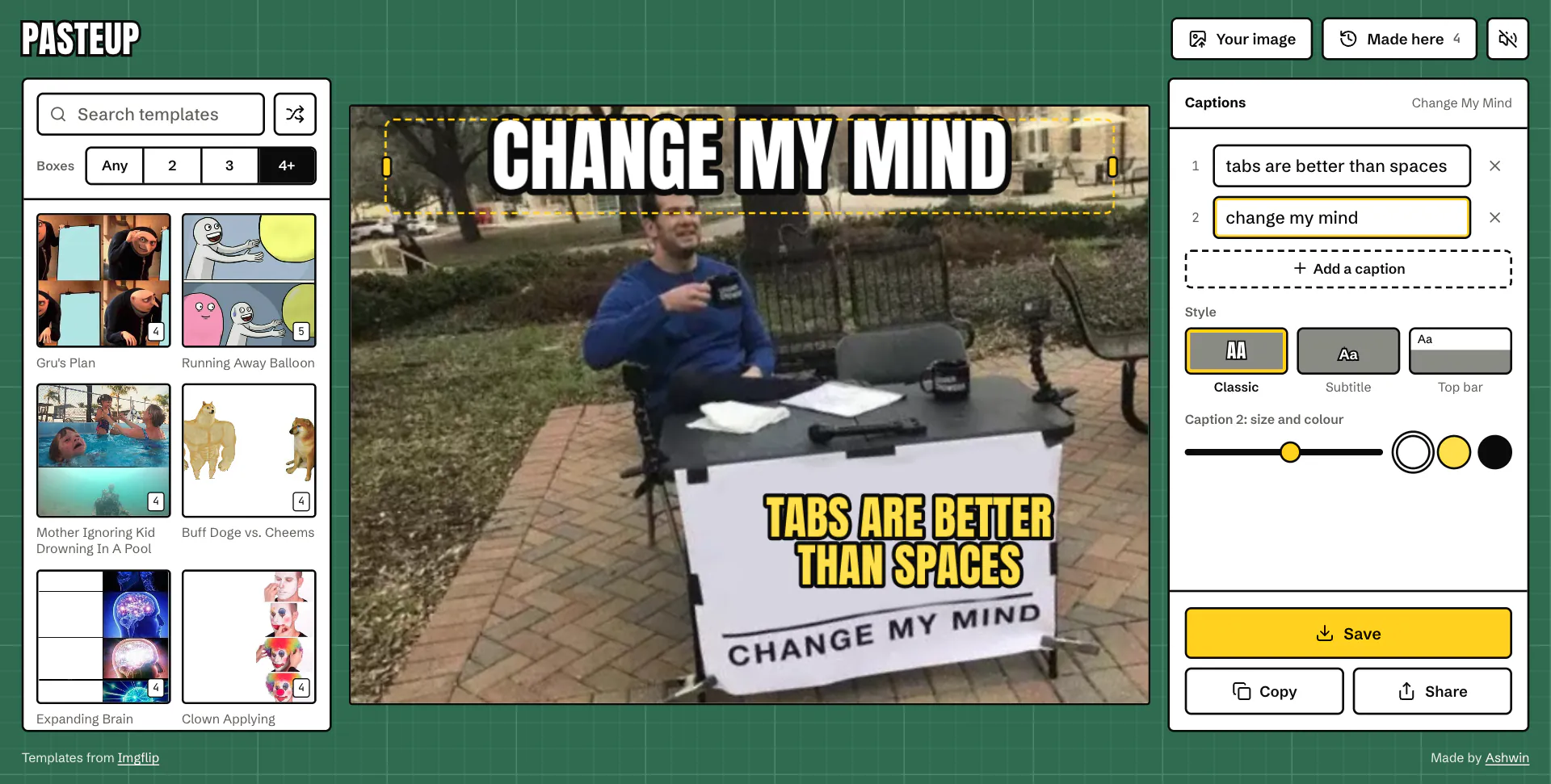
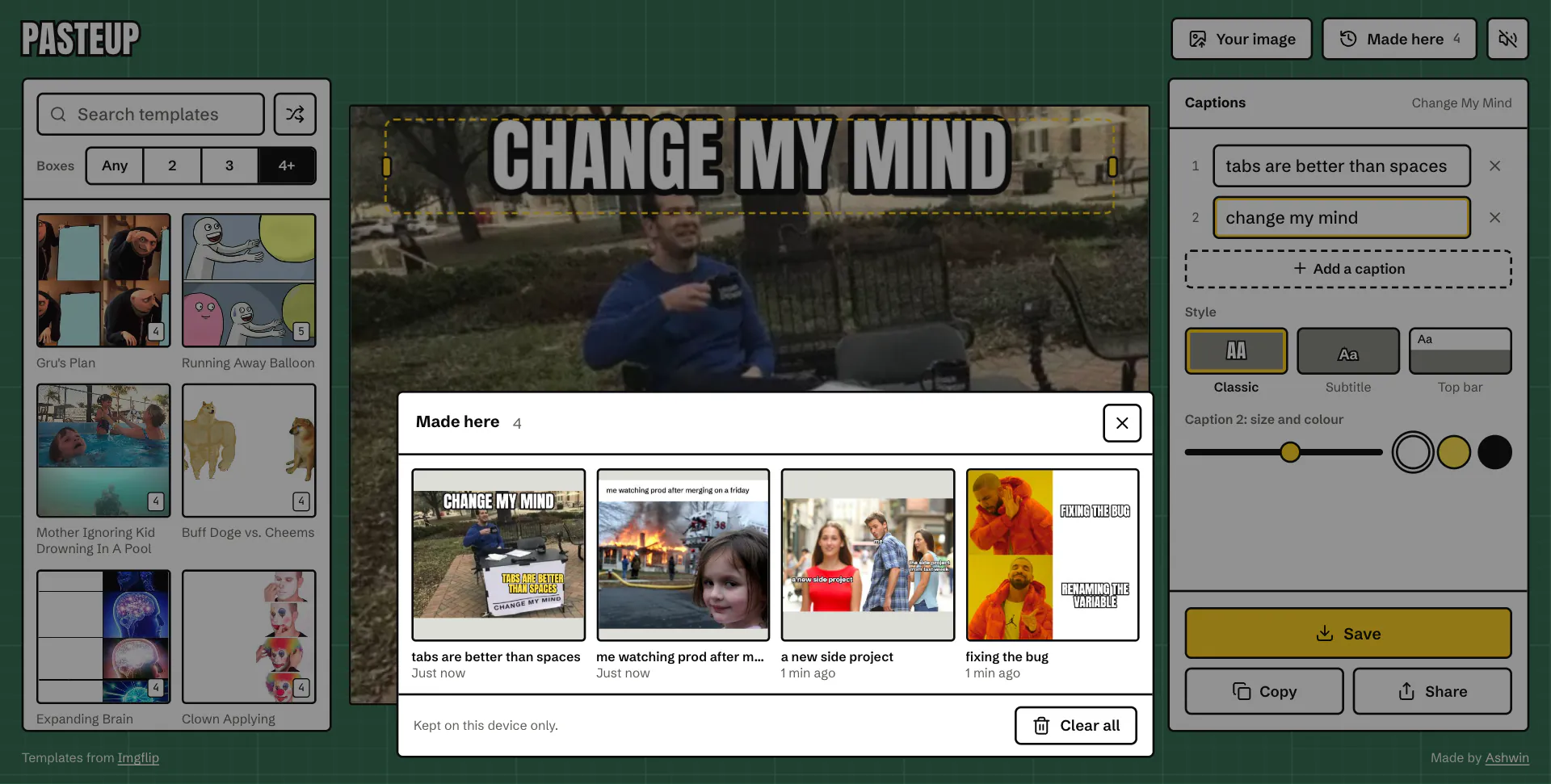
Pasteup is a meme maker. Pick one of the 100 most captioned templates from the Imgflip API or your own image, write the captions, drag them where the joke needs them, and save, copy or share the result. Everything is drawn in the browser, so nothing is uploaded anywhere.
The first version, Meme Generator, handed you a random template, a box to add lines of text you could drag around, and a download button. The rebuild is named after paste-up, the old way of laying out a page by cutting the pieces out and sticking them down on a mat, which is all a meme is. It's designed like one: a green cutting mat, white panels outlined in black like a classic caption, and one craft-knife yellow.
live playground.
Try Pasteup right here: pick a template, write the joke and drag it into place.
what you can do.
a closer look.
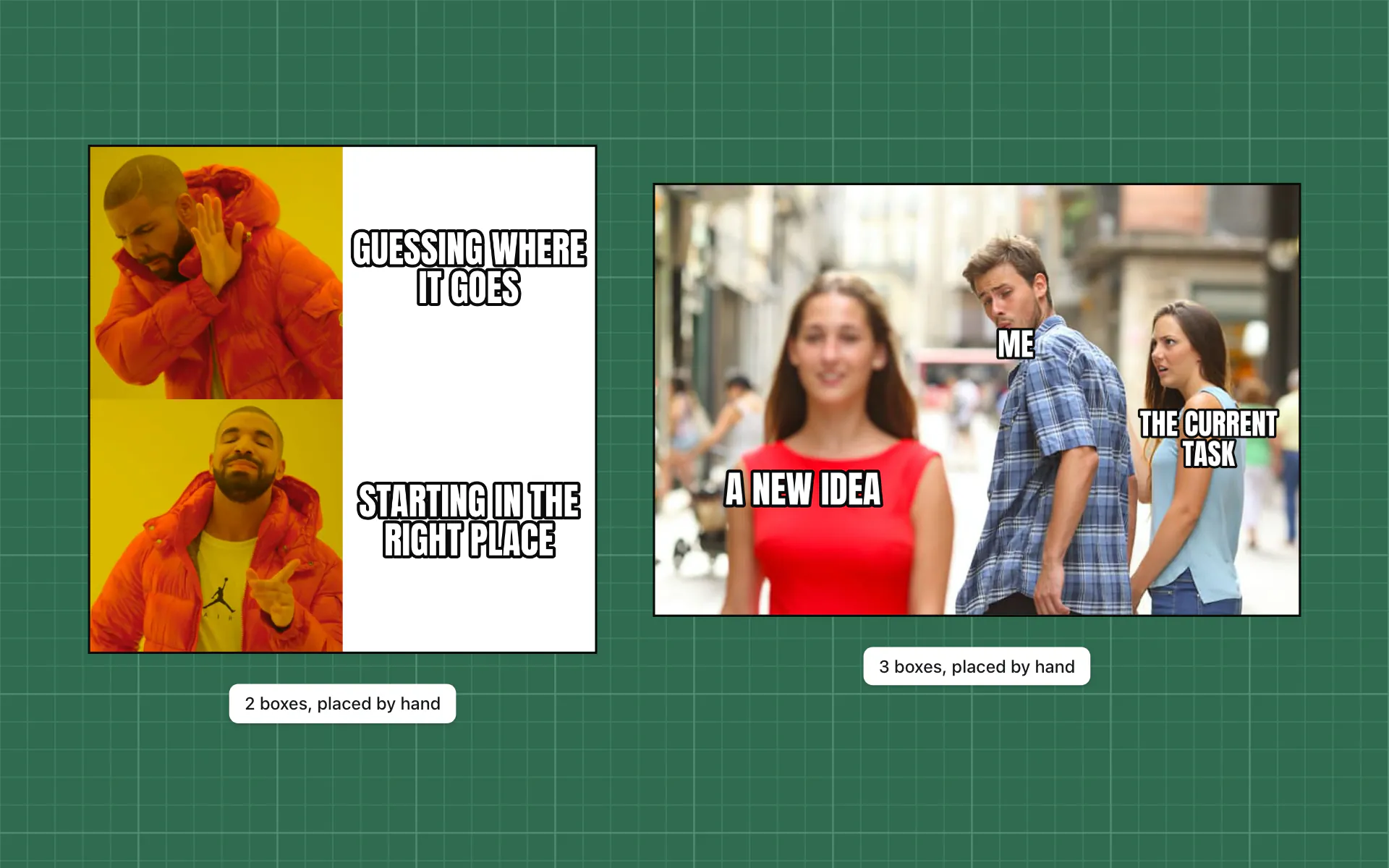
Starting in the right place
The Imgflip API says how many caption boxes a template has, but not where they go. The 16 most used templates have spots placed by hand against gridded contact sheets, so the words land on the right panel before you touch them. The rest go top and bottom.
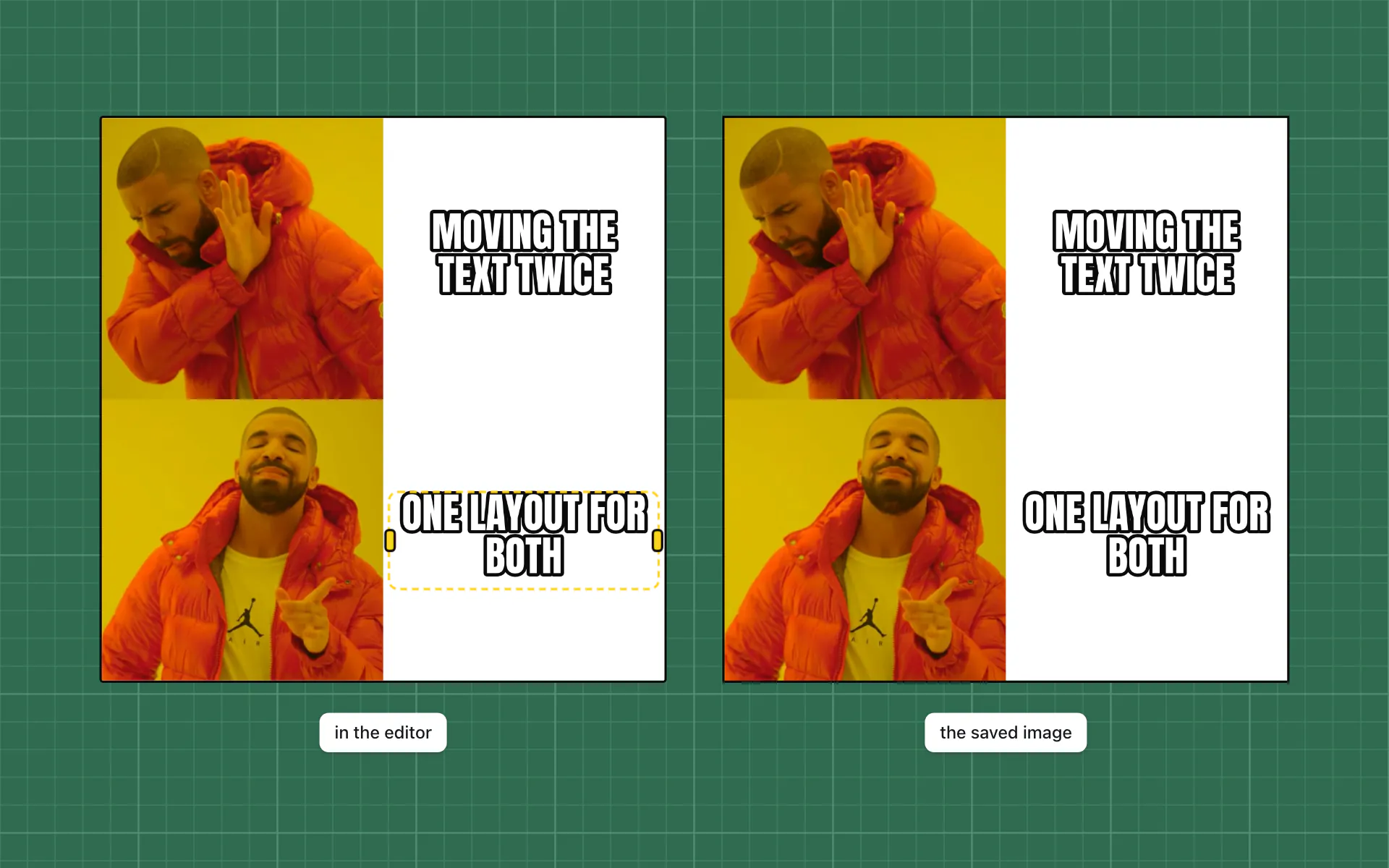
What you see is what you save
The editor and the saved image come from one canvas renderer, so line breaks, sizes and outlines match to the pixel. The handles are HTML laid over the canvas from the same layout, which is what makes a caption draggable and reachable by keyboard.
screenshots.
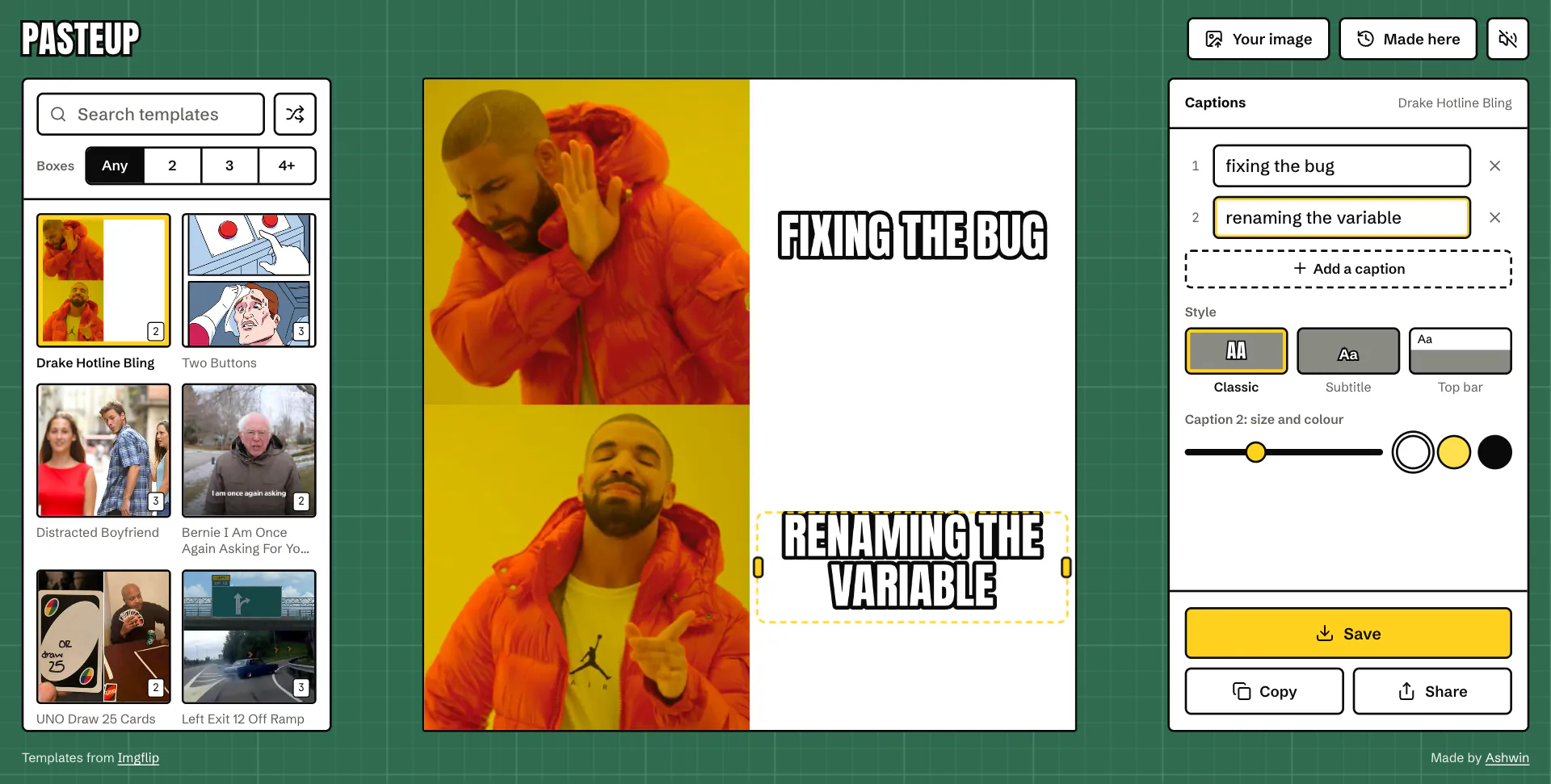
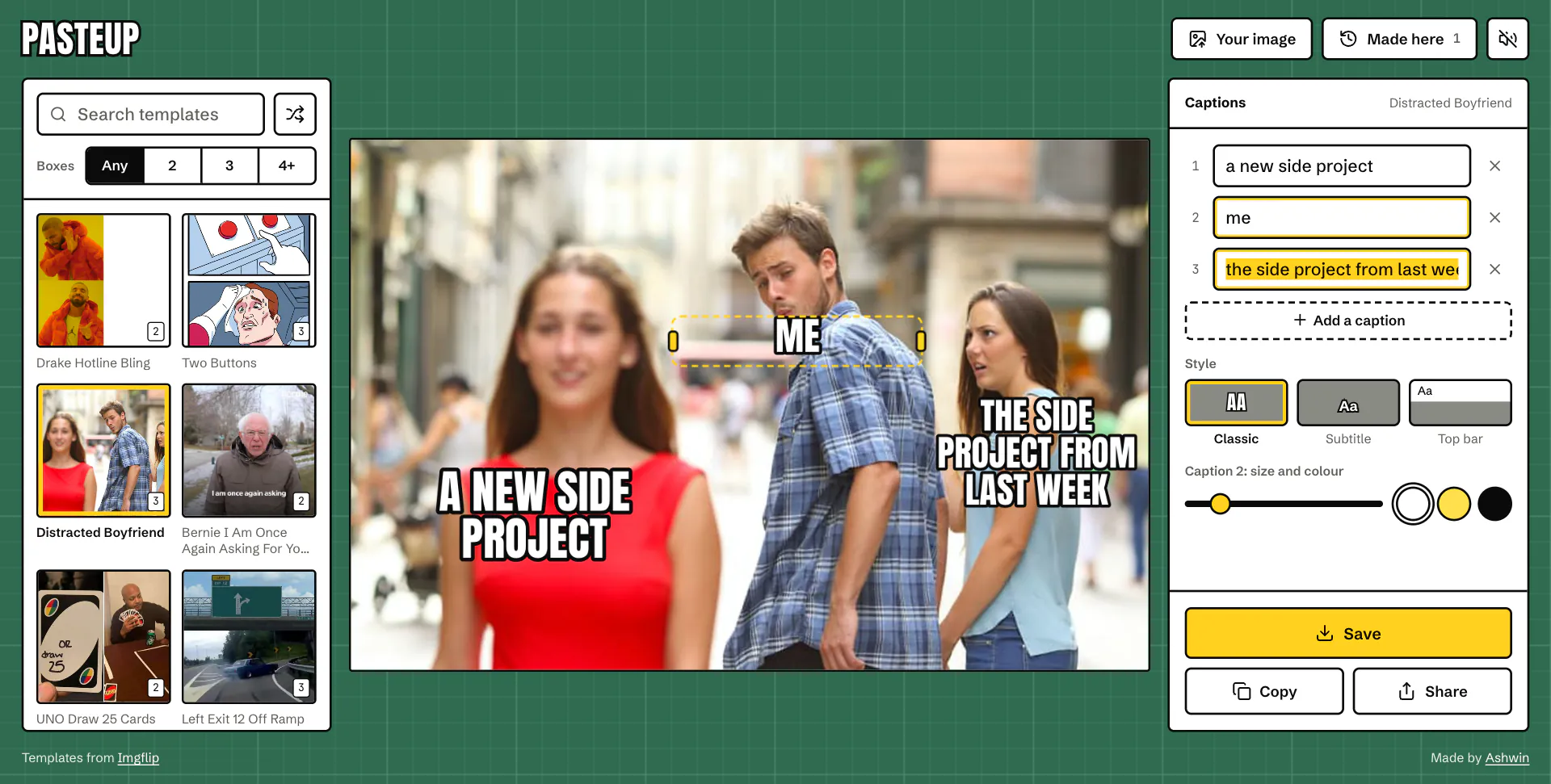

Home
Stickers and cut-outs laid on top of a template, and captions over GIFs.